BOQ template for Excel (Philippines)
A bill of quantities (BOQ) lists every work item of a build by trade, with its item number, description, quantity, unit, unit cost and amount. Instead of filling a blank template, Countstruct builds the BOQ from your estimates and downloads it as an Excel workbook with four sheets (summary, bill of quantities, unit price analysis and materials) or as a PDF.
Want the whole picture? See every Countstruct feature on one page.
Work it out for your own job
Estimate each job with the calculators, add them to a project, and download the bill of quantities as a PDF, or as Excel on Business.
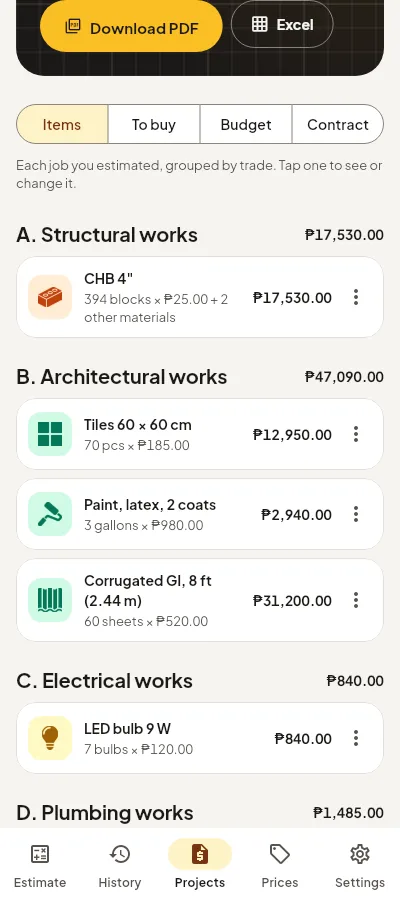
Make a bill of quantities in Countstruct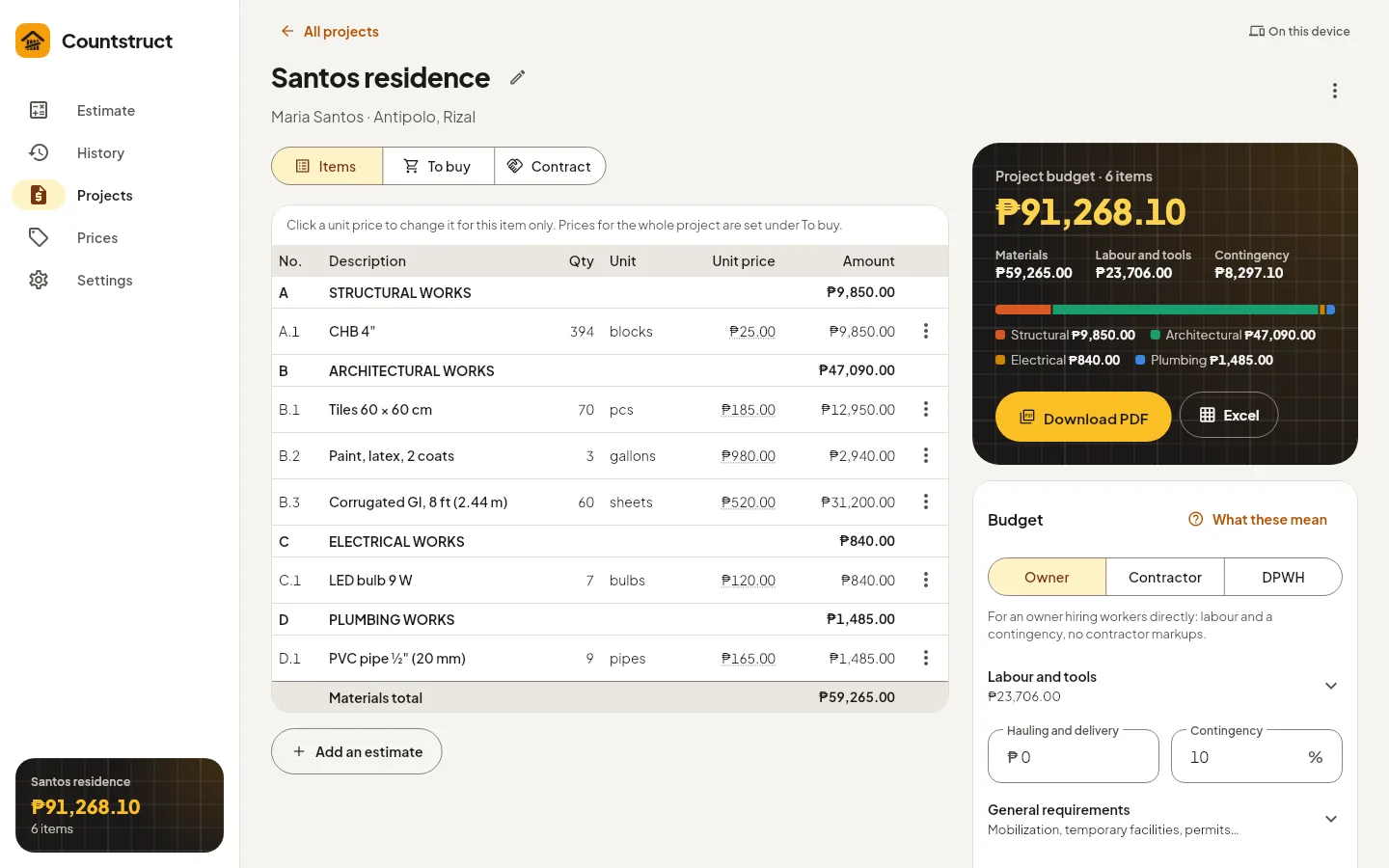
The BOQ format
Each line of a bill of quantities is one work item. The Excel workbook Countstruct downloads uses these columns:
| Column | What goes in it |
|---|---|
| Item No. | The trade letter and line number: A.1, A.2, B.1… |
| Description | The work item, with the estimate's name |
| Qty and Unit | The measured quantity: m², m³, pcs, blocks… |
| Material unit cost and amount | Materials for one unit, and for the whole quantity |
| Labour unit cost and amount | Labour, with minor tools and equipment |
| Unit cost and Amount | Materials plus labour: the direct cost of the line |
Amounts are direct costs. Contingency, overhead, profit and VAT are added in the summary, not spread over the lines.
Sections by trade
Work items are grouped into lettered sections, each ending with a subtotal: A structural works, B architectural works, C electrical works, D plumbing works and E other works. General requirements and hauling follow in section F. A section appears only when the project has work in it. These letters are the app's own, not DPWH pay item numbers, which vary from contract to contract.
The four sheets in the Excel file
- Summary: the summary of cost estimate, from materials and labour through contingency, overhead, profit and VAT to the total.
- Bill of quantities: the work items by trade, as above.
- Unit price analysis: how each line's unit cost is built up, numbered the same way.
- Materials: every material to buy, merged across the project, with a Supplier column when your price book has one. See the bill of materials guide.
It is an ordinary .xlsx file: open it in Excel, add your own columns or print it. On Business, your company name goes on every document.
BOQ as PDF
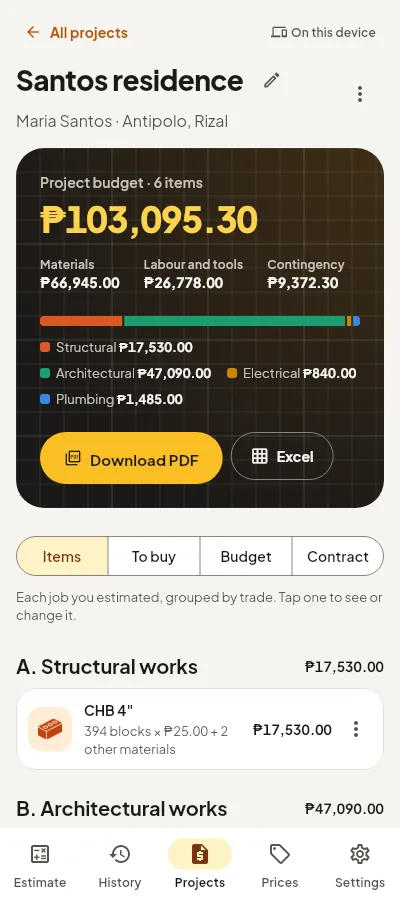
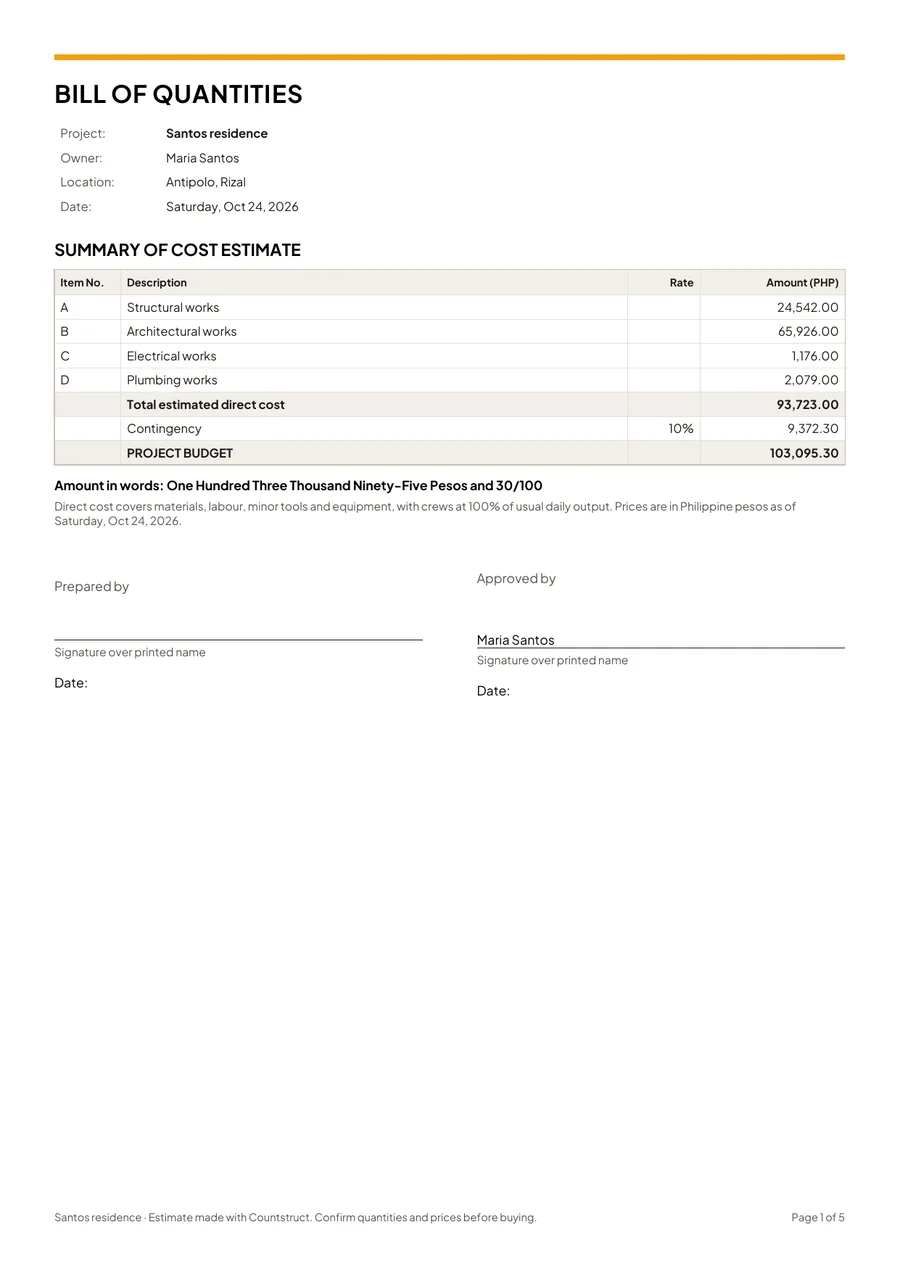
Download PDF makes an A4 document with the project, client, location and date, the summary of cost estimate, the bill of quantities, and the materials to buy. Every page carries the note that it is a planning estimate, and a page number.
A BOQ for bidders
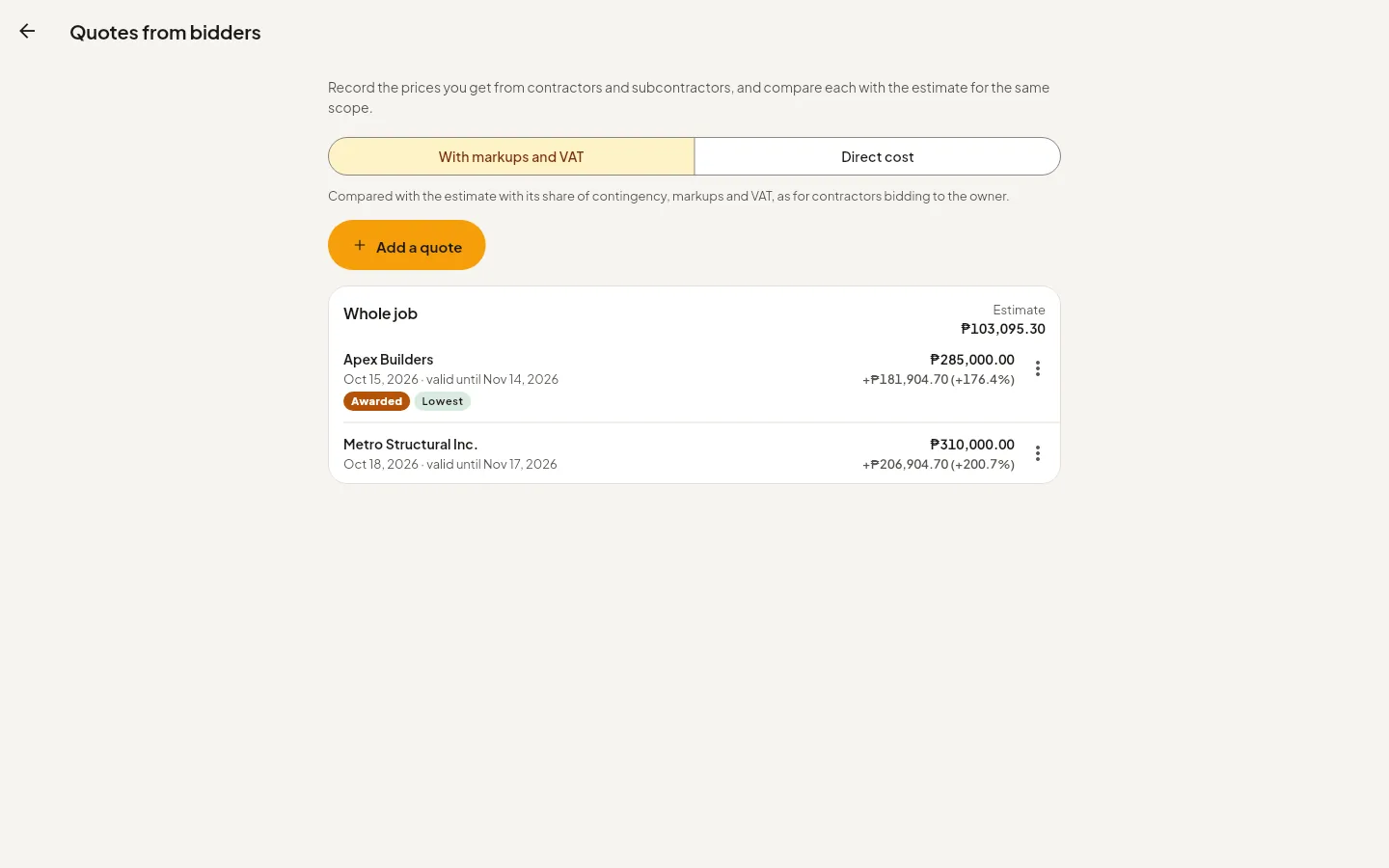
Bill of quantities for bidders gives contractors or subcontractors the same work items and quantities with the unit price and amount columns left empty, for the whole job or one trade. It adds short bidding instructions and lines for the bidder's name, validity and signature. None of your own costs appear in it. In the Excel version the amounts, subtotals and total bid price are formulas, so they add up as the bidder types. When quotes come back, Compare quotes sets each one against your estimate.
Which plan you need
| What you get | Free | Business |
|---|---|---|
| Bill of quantities PDF | Yes | Yes |
| Materials list (To buy) and copy as text | Yes | Yes |
| Bill of quantities for bidders, as PDF | Yes | Yes |
| Excel workbook (.xlsx) of the project | — | Yes |
| Bill of quantities for bidders, as Excel with formulas | — | Yes |
| Save to Google Sheets | — | Yes |
| Estimate revisions | — | Yes |
You can try Business free before you pay. See plans.
What Countstruct adds
From estimate to BOQ
- Quantities from 51 calculators, each showing how it worked out its numbers, so every line can be checked.
- Material and labour unit costs from a regional price book you can edit, with your suppliers and quote dates.
- Owner, contractor and DPWH presets for contingency, overhead, profit and VAT.
- Numbered revisions you can compare and restore, printed on every export (Business).
Questions
Is there a free BOQ template for Excel?
Countstruct's free plan makes the bill of quantities as a PDF, from your own estimates. The Excel workbook, with its summary, unit price analysis and materials sheets, comes with Business.
Can I edit the BOQ in Excel?
Yes. It is a normal .xlsx workbook. Change, add or reprice lines in Excel, or change them in Countstruct and download again.
Does it follow the DPWH format?
The cost build-up has a DPWH preset for markups, but the section letters A to F are Countstruct's own. They are not DPWH pay item numbers, which vary from contract to contract.
What is the difference between a BOQ and a bill of materials?
A BOQ lists work items with materials and labour. A bill of materials lists only the materials to buy. Countstruct makes both from the same project.